You don’t need a medical degree to follow appendix cancer research, and you don’t need to wait for someone to hand it to you. A handful of free tools let you find new studies as they come out, understand what they actually say, share the ones that matter, and keep the whole pile organized. This is a plain toolkit for doing all of that. None of it replaces your care team. Think of these as ways to find and understand information, not ways to make medical decisions.
Where to find appendix cancer research
Google Alerts is the easiest place to start. It watches the web for words you choose and emails you when something new shows up. Go to google.com/alerts, sign in with a free Google account, type a search term in the box at the top, click Show options to choose how often you want emails, and pick your email as the delivery spot. Then save. Set up several of these, not just one.
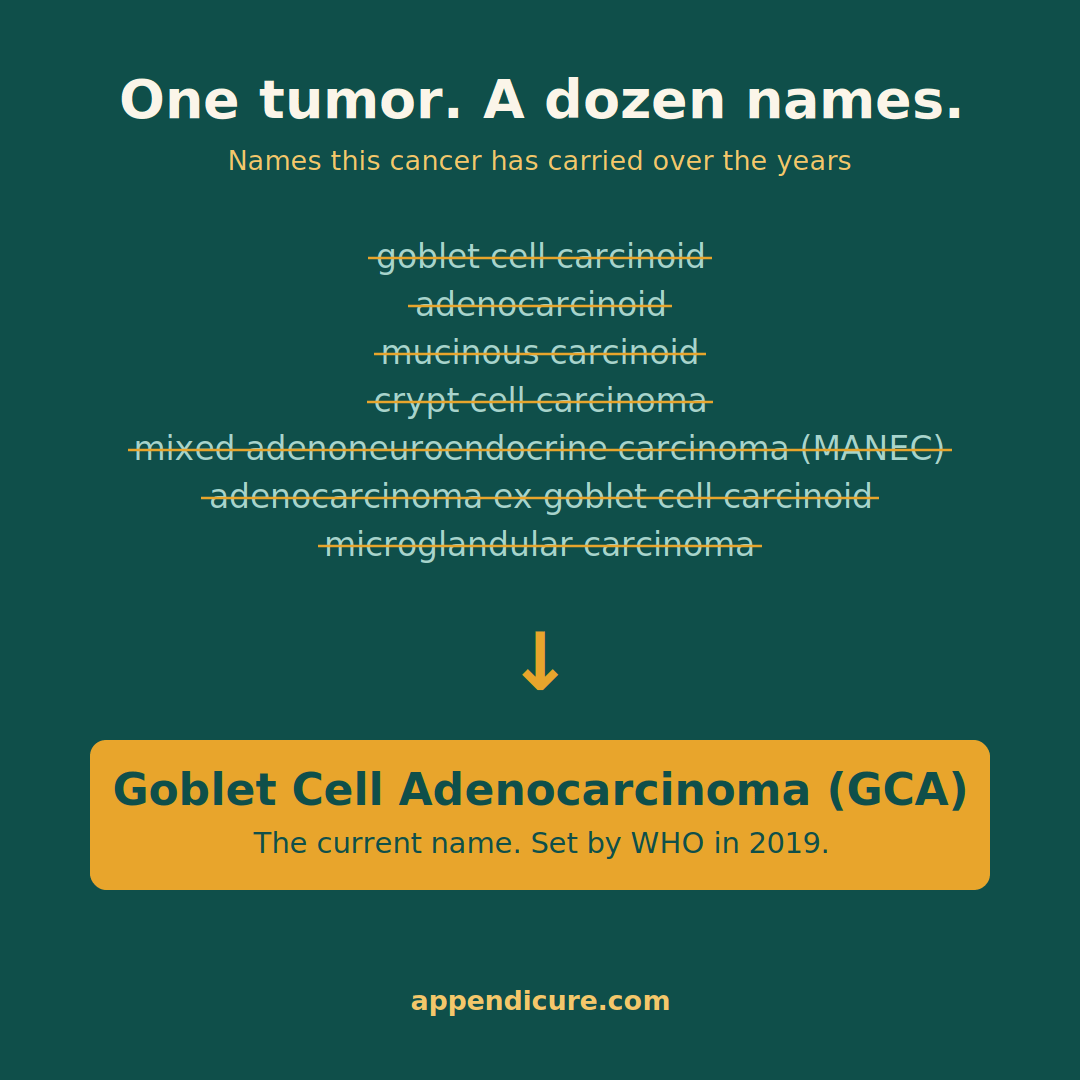
Appendix cancer is not one disease, so a single alert misses things. Set up a separate alert for each type your situation touches, and put quotation marks around each phrase so Google looks for those exact words together. Useful ones are “appendiceal adenocarcinoma,” “mucinous appendiceal neoplasm,” “low-grade appendiceal mucinous neoplasm” and its short form LAMN, “high-grade appendiceal mucinous neoplasm” or HAMN, “goblet cell adenocarcinoma,” “signet ring cell appendiceal,” and “pseudomyxoma peritonei” or PMP. If appendiceal neuroendocrine tumors, sometimes called carcinoids, are part of your picture, add “appendiceal neuroendocrine tumor” as well. Use the exact name your pathology report uses, since that is the language the research will use.
A few simple tricks make these searches far sharper, and they work the same in Google Alerts, Google Scholar, and plain Google. Quotation marks hold words together, so “appendiceal cancer” finds that exact phrase instead of pages where the two words drift apart. Typing AND in capital letters between two terms narrows the results to pages that mention both, so “appendiceal cancer” AND KRAS surfaces only the overlap and cuts a lot of noise. Typing OR widens things to either term, which helps when one thing has two names, like “goblet cell adenocarcinoma” OR GCA. And a minus sign pressed right against a word removes it, so appendiceal cancer -appendicitis drops the appendicitis pages that would otherwise bury what you want. The simple rule is that AND means both of these and narrows your results, while OR means either of these and widens them, so reach for AND when you want to zero in and OR when one thing has two names.
You can also point an alert at a person. The researchers who study appendix cancer publish often, so an alert on a specialist’s name, paired with a topic to keep it clean, is a quiet way to catch their new work. Something like “John Paul Shen” appendiceal will email you when that name shows up alongside appendix research. Build one for any specialist whose work you want to follow.
Go deeper with Google Scholar, and follow the specialists
Google Scholar searches the actual research literature instead of the general web. Go to scholar.google.com and use the same terms and the same tricks. Save a search and turn on its alert, and Scholar will email you when new papers match. Under each result, the Cited by link shows every newer paper that built on that one, which is a fast way to see whether a finding held up or moved forward.
Scholar also lets you follow a person. Search a specialist’s name, open their profile, the page with their photo and a list of their papers, and click Follow. From then on, Scholar emails you when they publish something new or when someone cites their work. This is one of the best ways to keep up, because the people who study appendix cancer are a small group, and their new papers are often the ones that matter most to us. A few names to start with are Dr. John Paul Shen, Dr. Andrew Lowy, Dr. Kiran Turaga, and Dr. Patrick Wagner, and our Find a Specialist directory lists many more.
Get your own records first
The most useful research is sometimes your own file. Your patient portal lets you download your actual pathology and imaging reports, not just the short summaries, and most portals let you give a caregiver proxy access so they can see results too. In the United States, the most common portal is MyChart, and you can learn how it works at mychart.org. Many hospitals use other systems, so if yours is not MyChart, search your hospital’s name plus the words patient portal, or ask at the front desk. Outside the United States, the United Kingdom has the NHS App and Australia has My Health Record. Other countries usually have their own version, which you can find by searching your country’s name along with national health record.
When a report only exists on paper, your phone can turn it into a clean PDF, no scanner needed. On an iPhone, the Notes app does this, and Apple’s steps are here. On Android, the Google Drive app does the same, and Google’s steps are here. Having your real reports saved and organized makes everything else in this toolkit more useful.
Understand it with AI, carefully
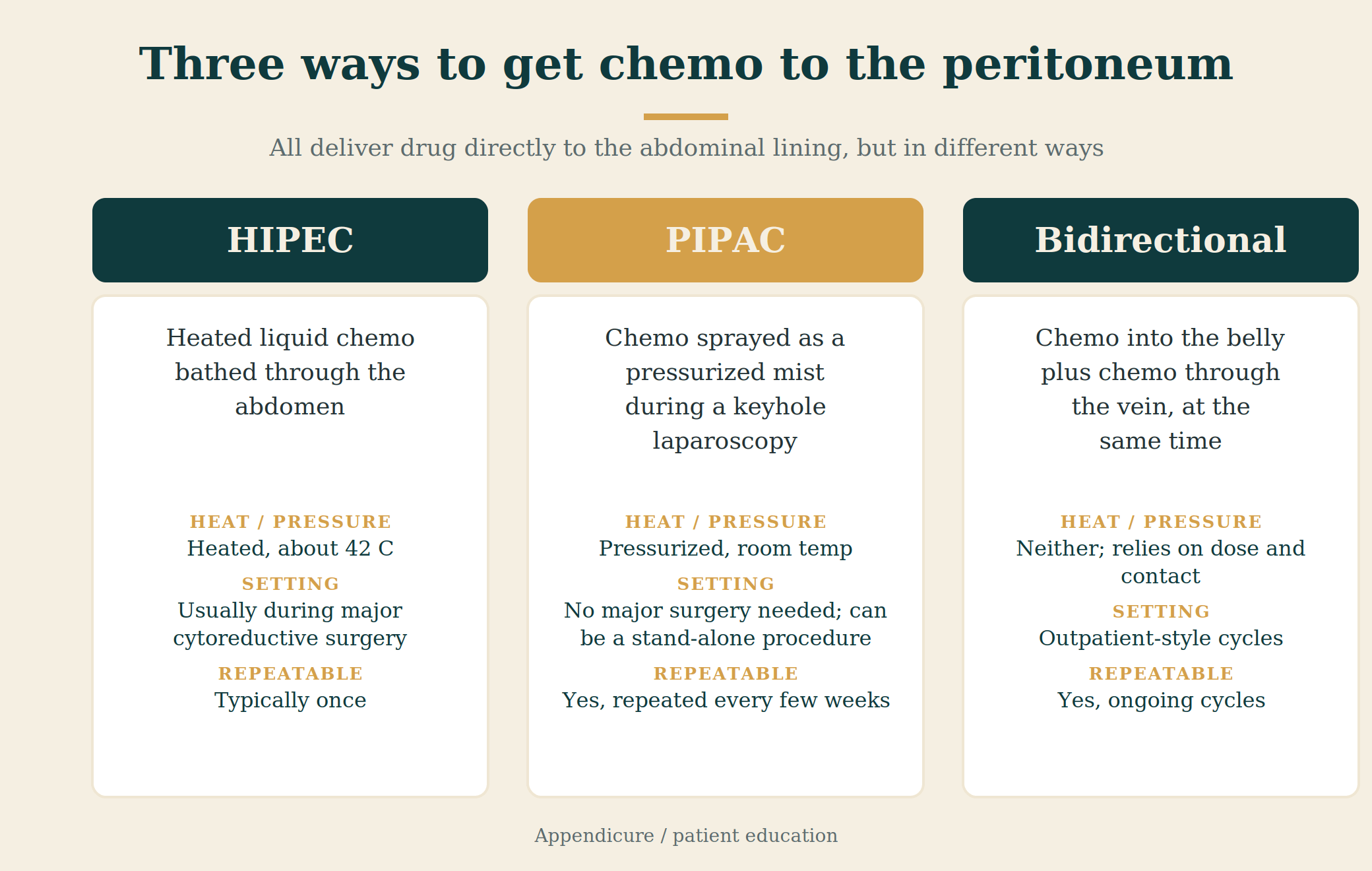
This is where a tool like Claude or ChatGPT earns its keep, as long as you use it for the right job. Paste in a dense paragraph from a pathology report or a study abstract and ask it to explain it in plain words. Ask what a term like GNAS or HIPEC means. Ask it to turn your worries into a clean list of questions for your next appointment. Used this way, AI is a translator and an organizer, and a good one.
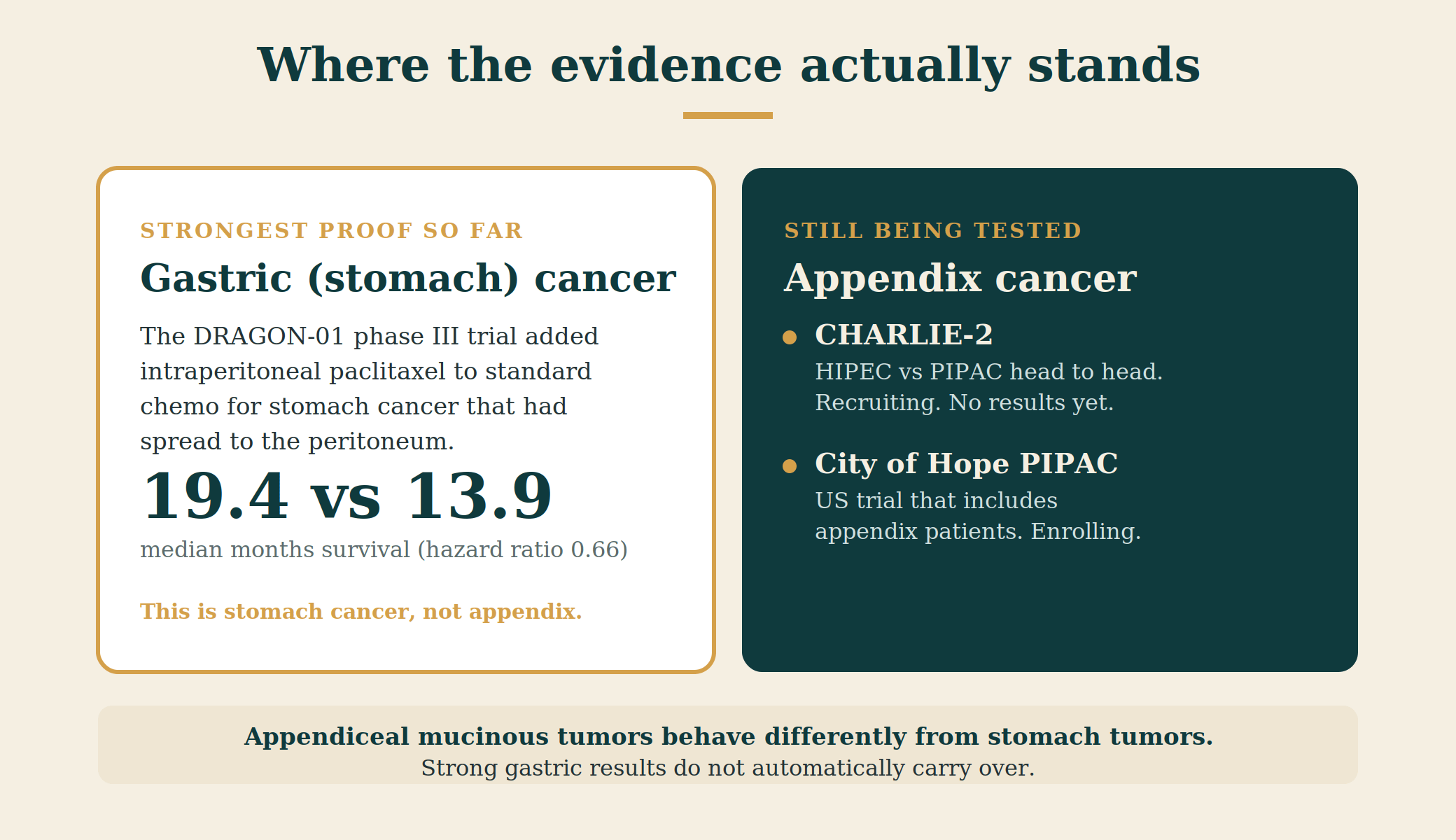
AI has one serious flaw, and ignoring it is dangerous. It sounds confident even when it’s wrong, and it’s worse on rare cancers like ours because there’s so little reliable material behind it. Here is a real example from my own work. I was reading about daraxonrasib, a KRAS drug that has been getting a lot of attention. The exciting results everyone was passing around, the ones in actual patients, are all in pancreatic cancer. For appendix cancer, the only evidence so far is early lab work, not people. An AI summary that blurred those two together would have handed this community false hope about a drug that has not been tested in us. That is exactly why I read the original source on everything before it goes on this blog. So use AI to understand and to organize, never to decide. Anything that could change a medical choice goes to your care team, not the chatbot. And watch what you paste, since you should treat anything you type into one of these tools as something that could be stored.

Share what you find, and the honest limit
People ask me all the time to make a post shareable from our private Facebook group, and I have to give the same honest answer every time. You can’t. A private group is private on purpose, so posts inside it can’t be shared out to the public. That’s a feature, not a glitch, and it’s what keeps the group safe to be open in.
The fix is to share the public version instead. About 90% of what I post in the private group, I also post on appendicure.com and on our public Appendicure Facebook Page, and those public versions are built to be shared. At the bottom of every post on appendicure.com there is a row of share buttons, the Share it! row. Tap the Facebook button to send the post to your own timeline, to a friend, or into another group, and right beside it are buttons for text, email, WhatsApp, and more. So when you want to spread the word, open the post on the website and use those buttons, instead of trying to share the version locked inside the group.
See messages from people you don’t know
Facebook hides messages from people who aren’t your friends, and a lot of people never find them. When someone you’re not friends with sends you a note, it doesn’t ring the normal bell. It lands in a separate spot called Message Requests, and some go one layer deeper into a filtered folder that Facebook treats almost like spam. For a community like ours, that matters, because a scared newcomer reaching out for the first time often isn’t your friend yet. Open Messenger, look for Message Requests, and check both that list and the filtered one every so often. You may find someone who’s been waiting for an answer.
If typing is hard on a rough day, let your phone do it. Both iPhone and Android have a small microphone on the keyboard. Tap it and just talk, and it types for you. It’s a little thing that makes staying connected a lot less tiring.
Keep it organized
Once appendix cancer research starts coming in, it piles up fast, and a simple log beats trying to hold it all in your head. I keep a tracker for Appendicure, and I made a clean, blank version you can copy and use for yourself. It’s just a spreadsheet with a row for each study: the date you found it, the title, where it came from, what it’s about in plain words, whether it’s actually about appendix cancer, and a column for your own notes and questions. Grab the free template here.
Use it the right way. A tracker organizes your reading so you can bring the good stuff to your team. It isn’t a tool for making decisions on your own, and it isn’t a crystal ball. The goal is to walk into an appointment with three things you read and the questions they raised, instead of a vague memory of something you saw online.
The same template has a second tab for tracking your tumor markers over time, the CEA, CA 19-9, and CA-125 numbers if those are part of your follow-up. One reading rarely means much. The trend over months is what tells a story, and a simple record of your own numbers can be a useful thing to bring to your oncologist. You read it with them, not instead of them.
All those reports add up to a lot of PDFs. On most phones and computers, the built-in tools already let you merge several files into one, so your whole record can travel as a single tidy file. That makes second opinions and new appointments far less stressful, because you can hand over everything at once instead of hunting for scattered pieces.
Make it count
If you want what you go through to count for more than just you, the patient registry is open and collecting now. It’s the data spine behind the research partnerships we’re building, and it’s normal and useful to start gathering this information early, before every approval is finished. Adding your story takes a few minutes and helps researchers see patterns that single cases never show. Add your story to the registry.
Read more: This toolkit is the practical side of things. For the part that is harder to look up, Brook Sullivan wrote honestly about mental health and appendix cancer, and how to find the support you need.
Amanda Moore founded Appendicure after her husband was diagnosed with appendix cancer. Read our story.